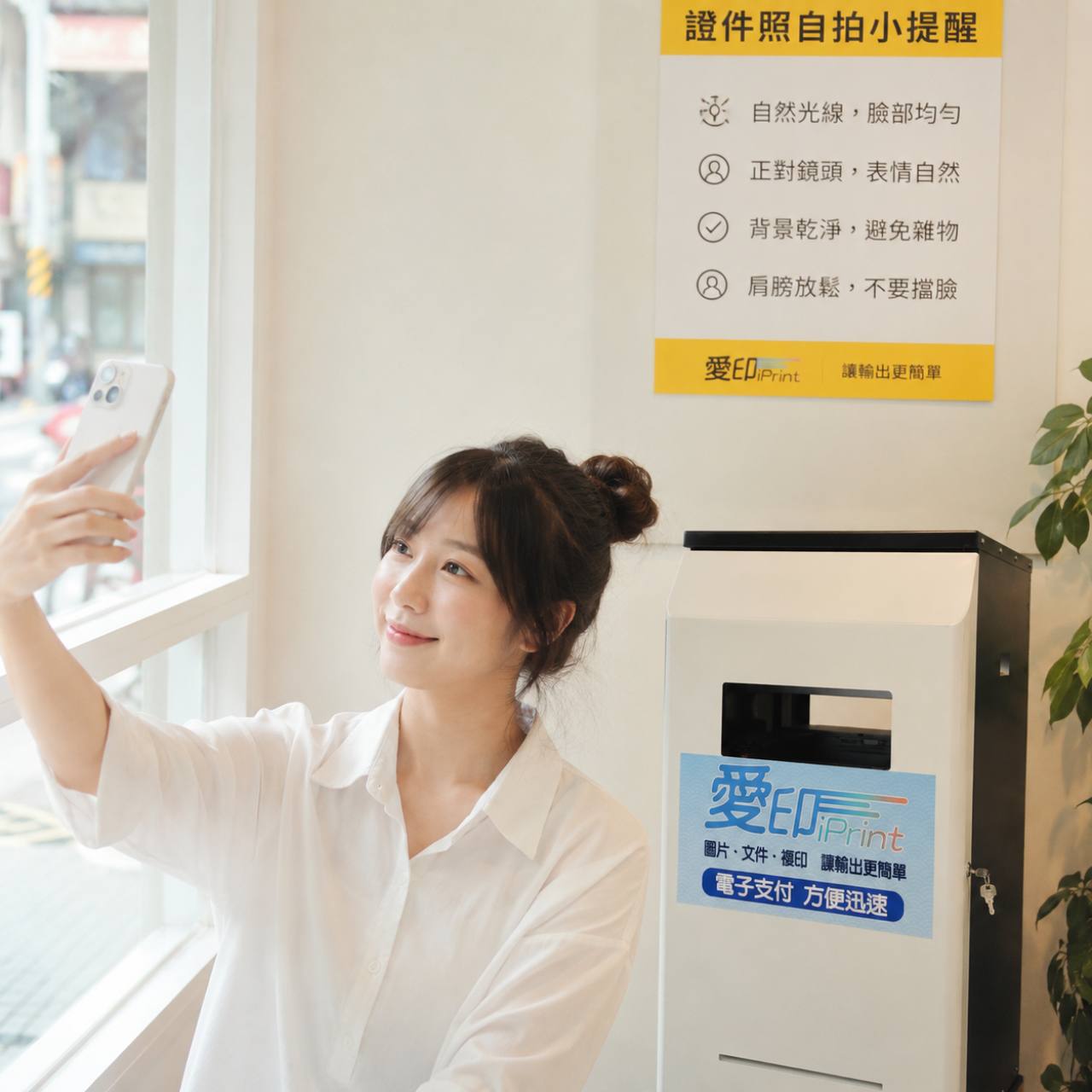
臨時需要證件照或大頭照時,很多人第一個反應是趕快找相館。但如果時間很趕,先用手機拍出一張清楚、自然、可用的照片,也是一個實用選項。
Day 15 想提醒的是,證件照自拍不是隨便拿起手機拍就好。光線、背景、角度和表情,都會影響照片看起來是否乾淨、正式。
第一,盡量面對窗邊自然光,讓臉部亮度平均。不要背光,也不要讓單邊臉太暗,因為列印後陰影會更明顯。
第二,背景要乾淨。白牆或淺色素面背景通常比較安全,避免雜物、花紋、強烈陰影或太複雜的室內背景。
第三,手機鏡頭盡量和眼睛接近平視,正對鏡頭,表情自然,肩膀放鬆,不要用手、頭髮或衣物擋到臉。
拍好之後,還要依實際用途確認尺寸、裁切、解析度和列印方式。不同證件或申請用途可能有不同規定,正式使用前要以申請單位公告為準。
如果你在台中或北屯附近,需要列印證件照、照片或大頭照,可以追蹤愛印 iPrint 粉絲頁,確認最新機台資訊、尺寸服務與自助列印提醒。
圖片提示詞
原始提示詞
uplifting, heartwarming, realistic photo, shot on Fujifilm, natural lighting, Taiwan street style, --ar 1:1, a person taking a self-portrait facing a bright window with a clean white wall background, demonstrating ID photo tips, in the style of gentle realism, warm color palette of #FFD700 and #4A4A4A, clean background, candid moment
整合提示詞
uplifting, heartwarming, realistic photo, shot on Fujifilm, natural lighting, real Taiwan scene, real Taiwan environment, Taiwan street style, --ar 1:1, a person taking a self-portrait facing a bright window with a clean white wall background beside a self-service printing kiosk, demonstrating ID photo tips for natural light, clean background, and relaxed posture, with a standard iPrint kiosk placed naturally in the scene, using the standard iPrint kiosk design: floor-standing, realistic proportions, about 100 cm tall and 50 cm wide/deep, white front panel, dark gray or black side panels, front paper output opening, and a clearly visible iPrint logo sticker centered on the middle front panel, set in a real Taiwan environment such as a school, community lobby, bookstore corner, print shop corner, office, or indoor public space, no cartoon, no toy-like 3D, in the style of gentle realism, warm color palette of #FFD700 and #4A4A4A, clean background, candid moment, visually trustworthy, practical, and emotionally engaging
想看下一篇日更嗎?
這裡是 90 日日更網站,負責把每天的 FB 內容整理成 Google 和 AI 都看得懂的文章。
如果你想看最新更新,歡迎回到愛印 iPrint 粉絲頁,追蹤每日更新。
追蹤愛印 iPrint 粉絲頁